Add what happened
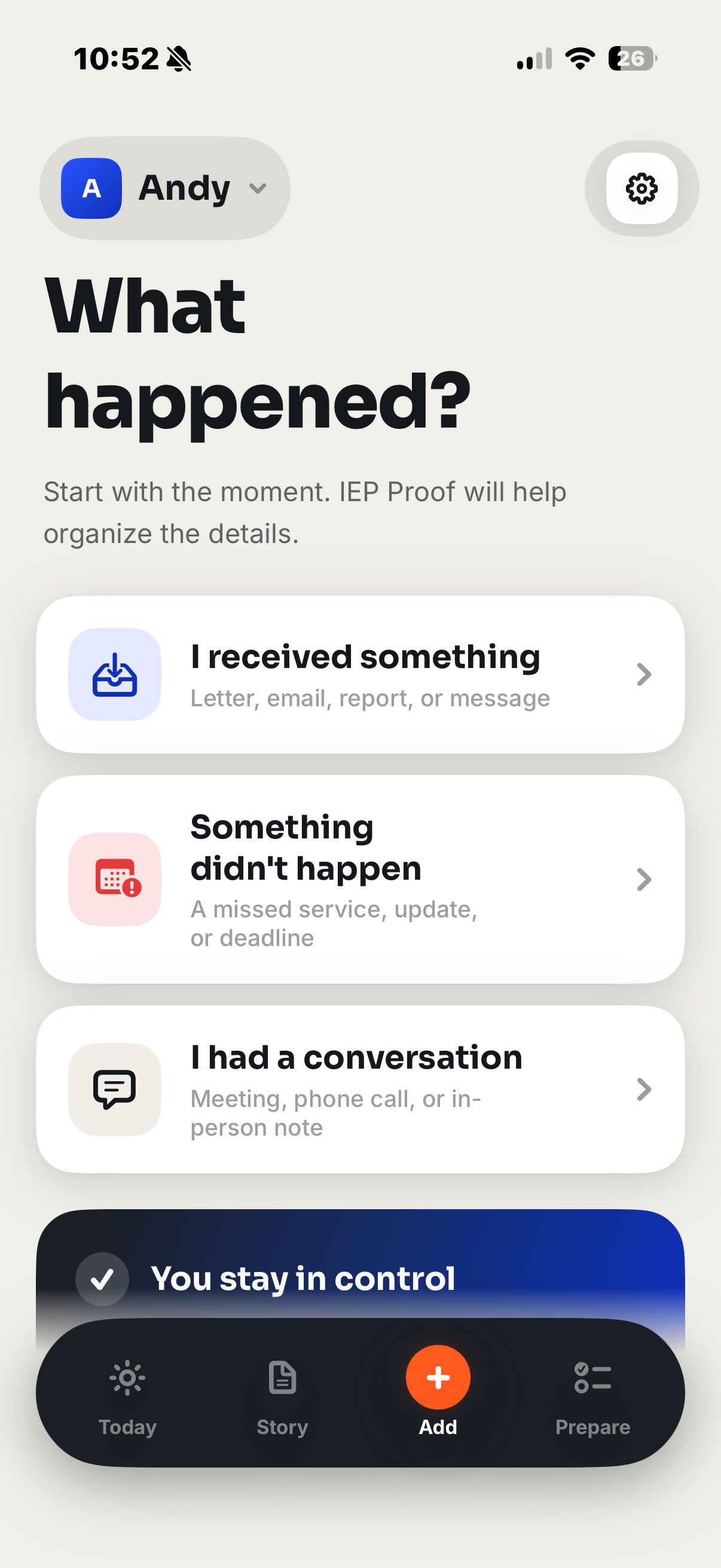
Scan a document, import a message, note a missed service, or record a conversation.
IEP Proof turns scattered documents, notes, missed services, and meeting records into a clear, source-linked story—privately, on your iPhone.
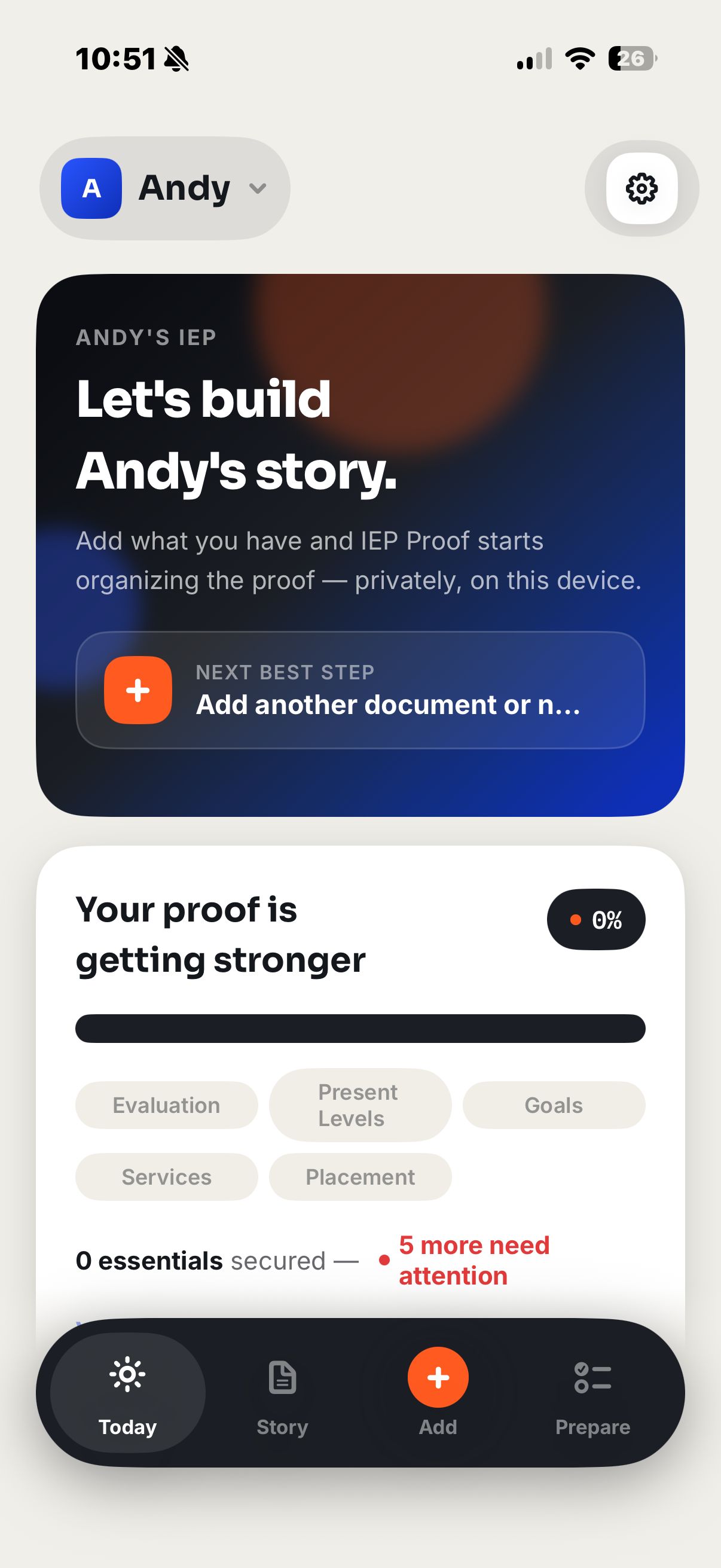
Know what happened.
Find the proof.
Walk in prepared.
IEP Proof keeps the process calm, deliberate, and grounded in what you actually added.
Scan a document, import a message, note a missed service, or record a conversation.
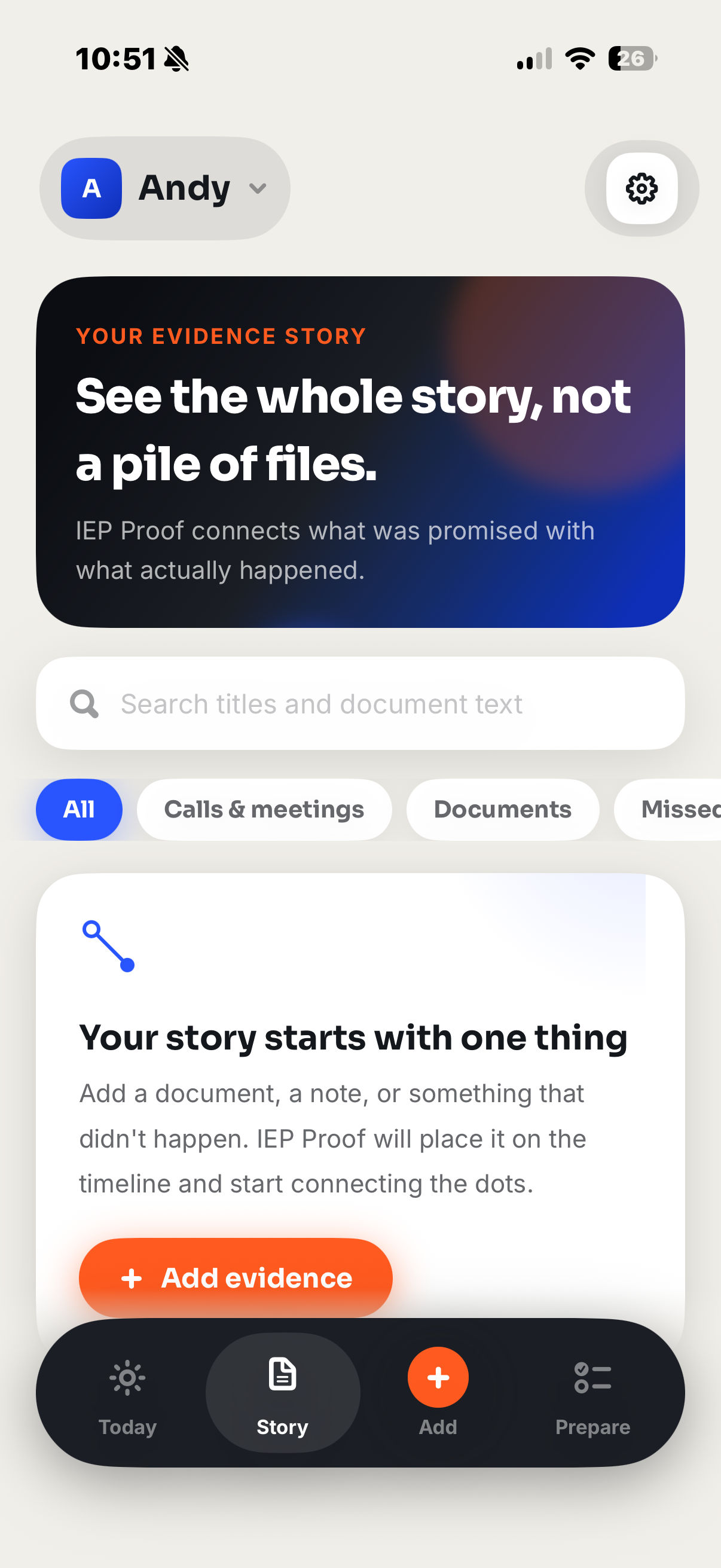
Build a searchable, source-linked timeline instead of another pile of files.
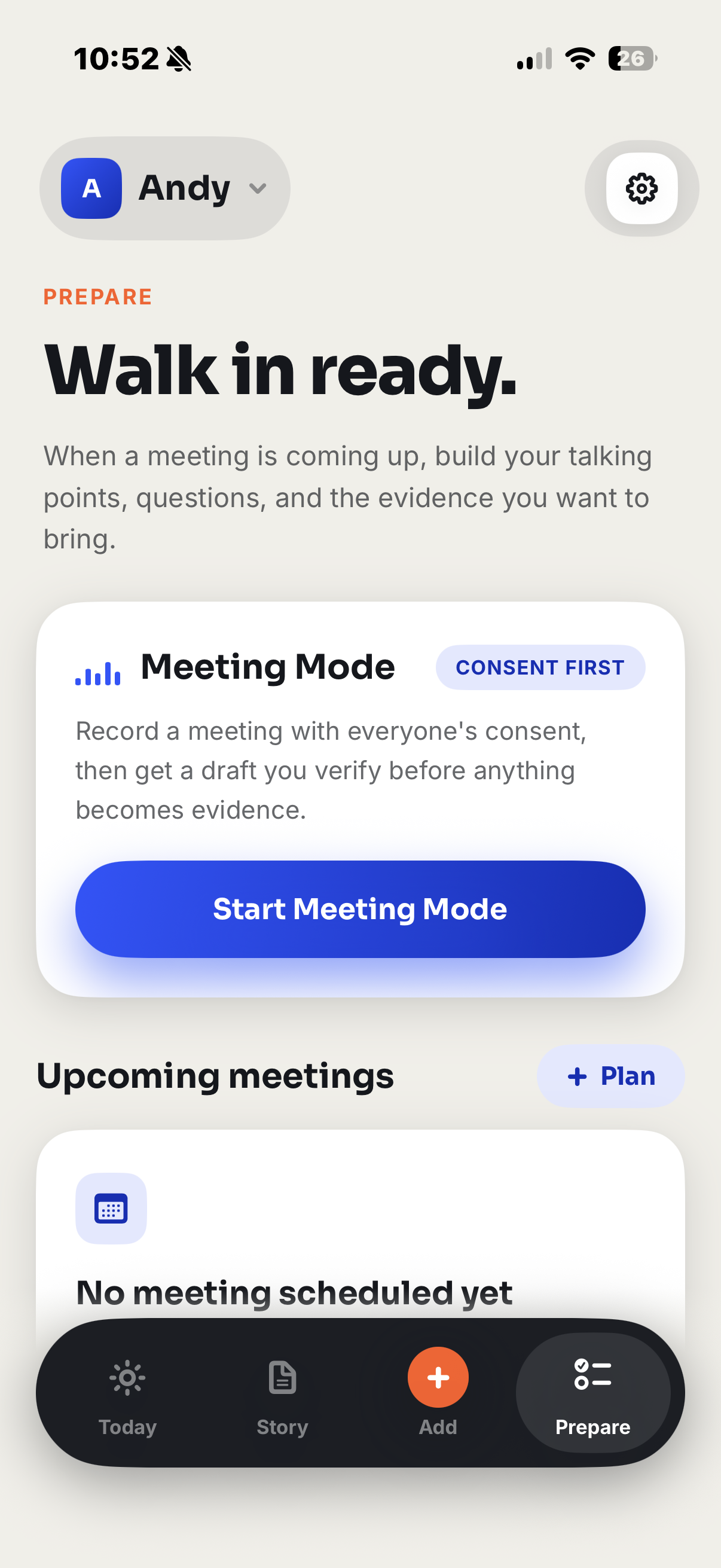
Bring verified evidence, questions, and talking points into the next meeting.
Documents, recordings, transcripts, and findings stay in an encrypted vault on your iPhone. IEP Proof has no account system, no content backend, and no advertising or analytics SDK.
One useful next step, clear evidence, and no overwhelming case-management dashboard.
No. Your documents, recordings, transcripts, and findings are stored locally in the app’s encrypted vault. There is no IEP Proof account or customer-content backend.
No. IEP Proof organizes information you provide. It does not decide whether a law was violated, provide legal advice, or represent you.
Supported OCR, transcription, and draft analysis use Apple’s on-device capabilities. Drafts remain suggestions until you review, edit, and approve them.
Yes. You choose when to create a meeting record, preparation packet, or case-binder PDF and share it through the iOS share sheet.
You can still view, export, and permanently delete records you already created. Creating new premium content requires active Pro access.

Download IEP Proof: Parent Advocate from the App Store.